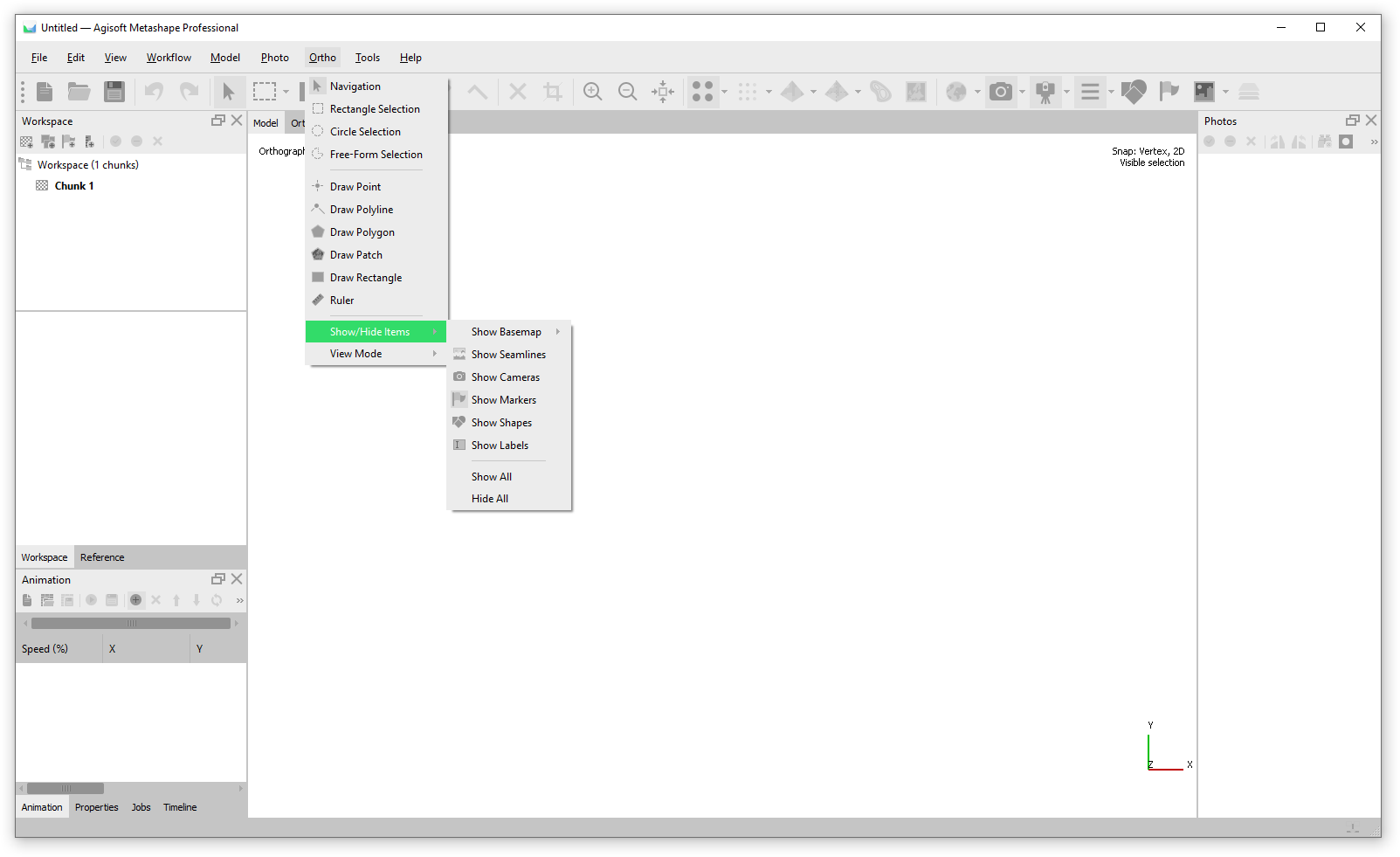
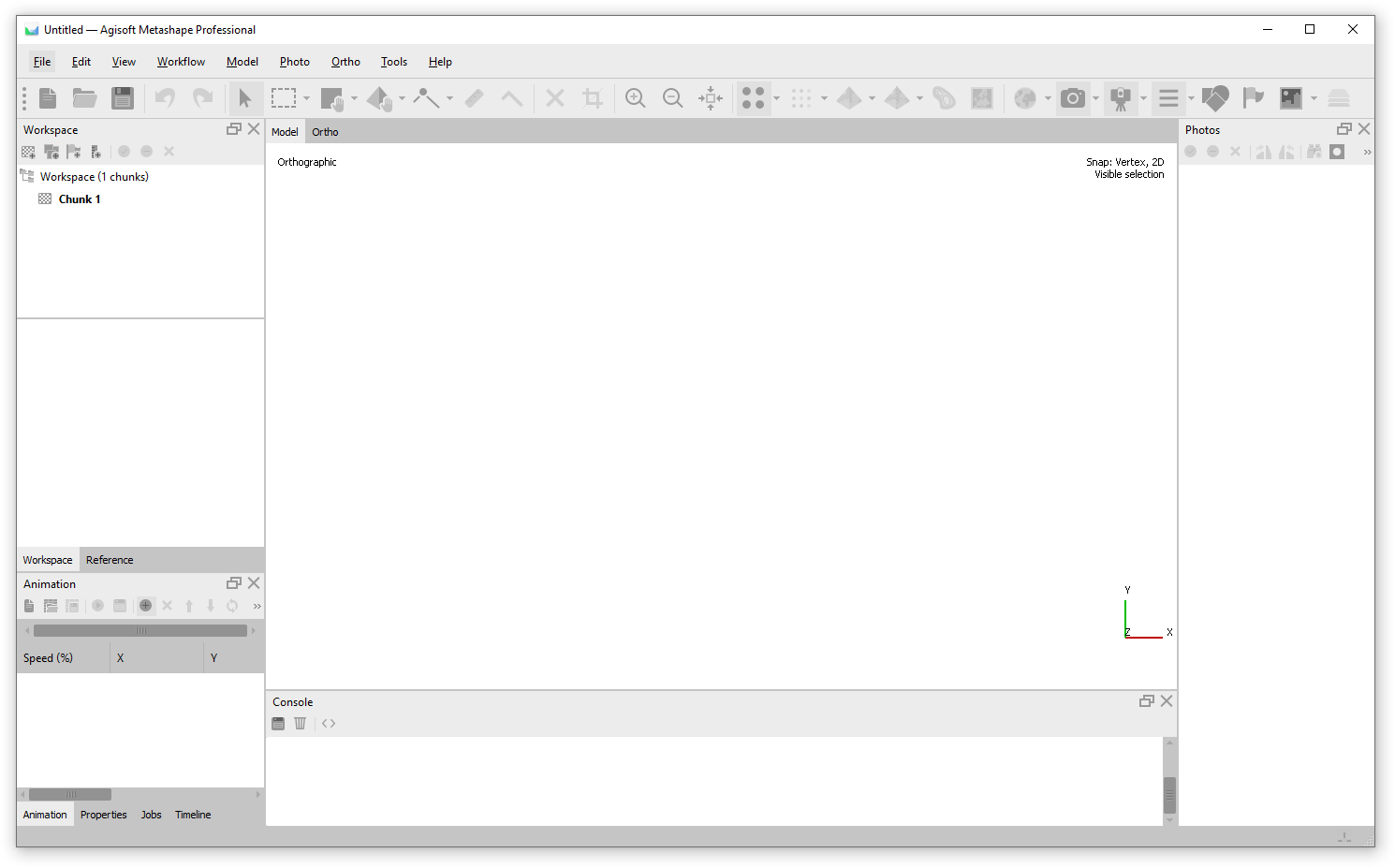
In Metashape the project window contains Menu, Toolbar, Model view, Ortho View and Panes (Workspace, Timeline, Animation, Reference, Properties, Photos, Console, Jobs).
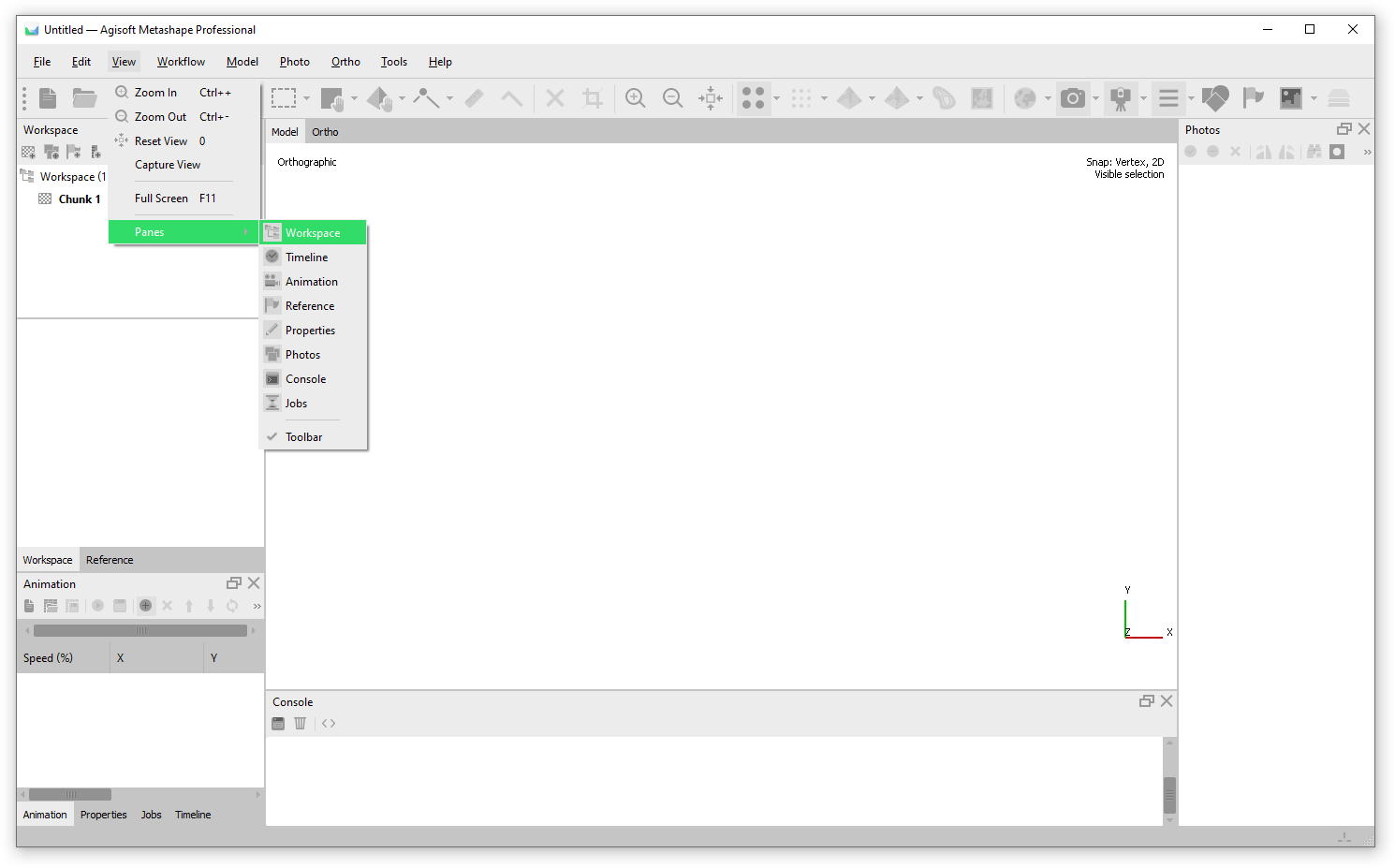
The panels can be turned on and off via View > Panes ...:
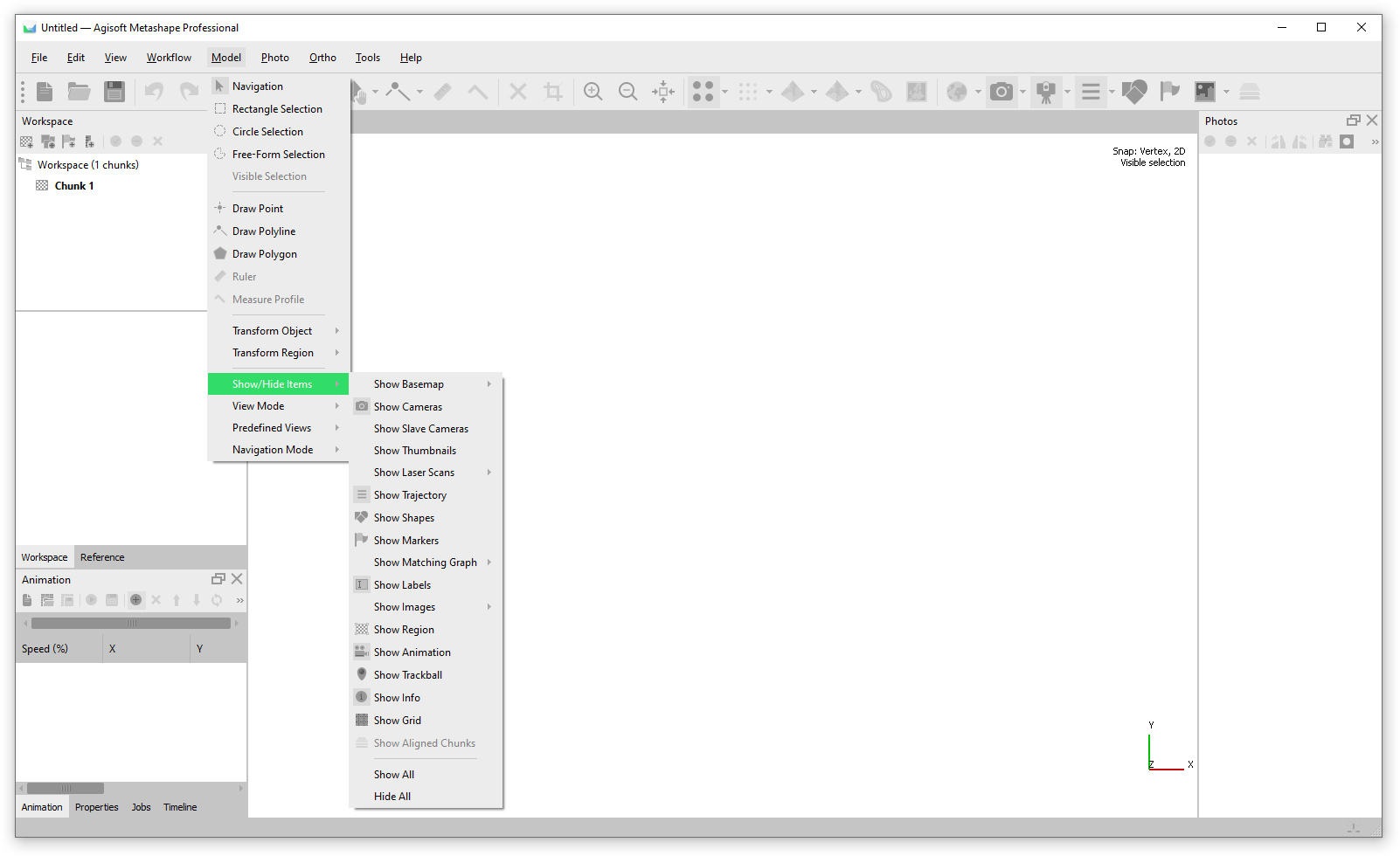
The display of elements in Model and Ortho view is shown via the Toolbar, as well as through the Model > Show/Hide Items
and Ortho > Show/Hide items menu: