
Metashape offers several options for preselection during alignment, which are suitable for various processing cases. The article describes the possible ways to use each type of preselection:
Gradual Selection
The alignment process of large photo sets can take a long time. A significant portion of this time period is spent on matching of detected features across the photos. Image pair preselection option may speed up this process due to selection of a subset of image pairs to be matched.
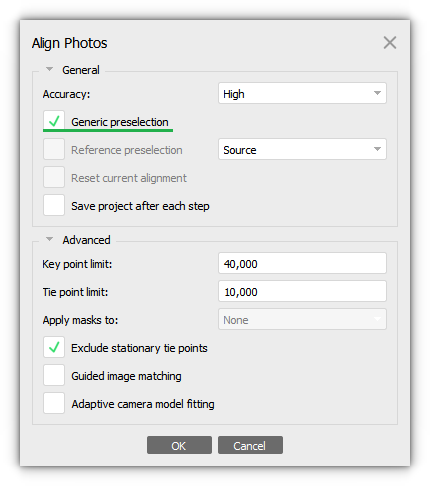
Please note that in the Generic preselection mode the overlapping pairs of photos are selected by matching photos using lower accuracy setting first.
Below is an example of a comparison on a small project with 101 images, with alignment using Generic preselection and without it. Also, on a project with ~1,000 images:
| Project | Time (with Generic preselection) | Time (without Generic preselection) |
101 images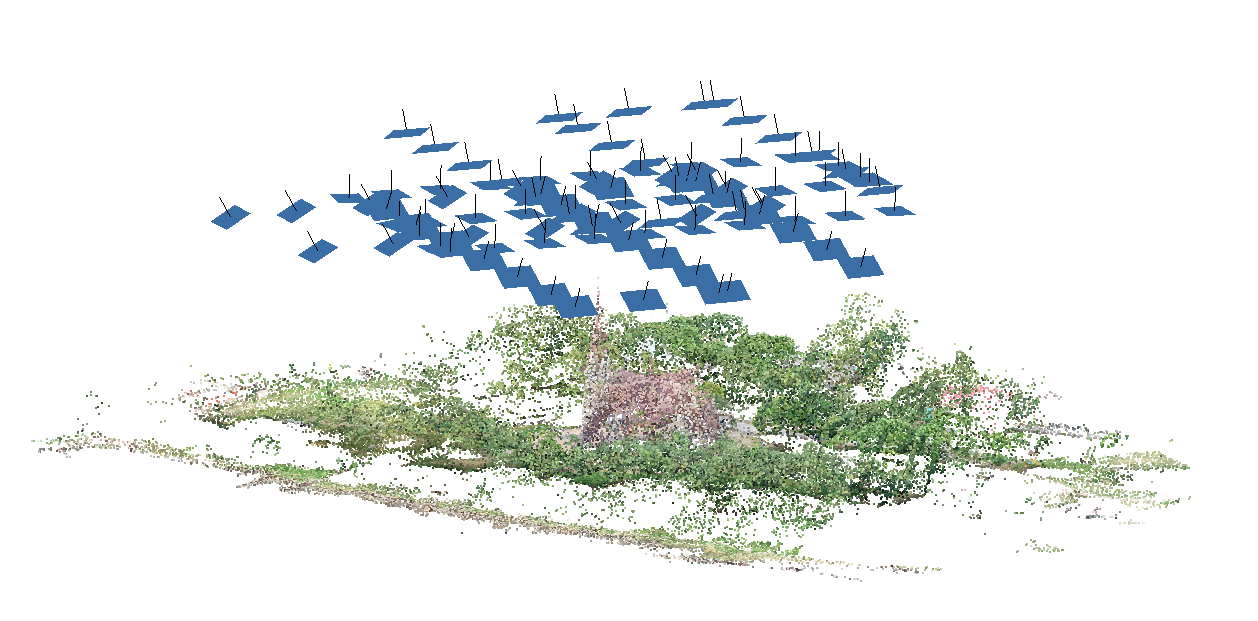 | Matching time: 1 min 4 seconds | Matching time: 4 min 30 seconds |
921 images 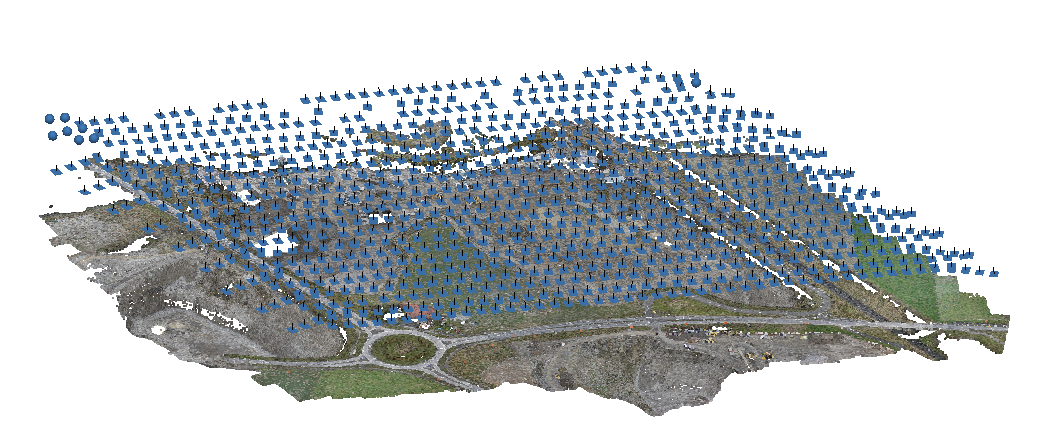 | Matching time: 23 minutes 20 seconds | Matching time: 4 hours 1 minutes |
Source Preselection
In the Source preselection mode the overlapping pairs of photos are selected based on the measured camera locations (if present). If the coordinates of the images are not measured with centimeter accuracy, then we do not recommend using Source preselection.
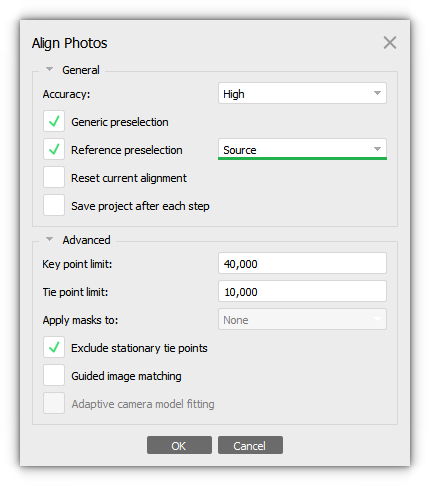
In the Source preselection mode the overlapping pairs of photos are selected based on the measured camera location:
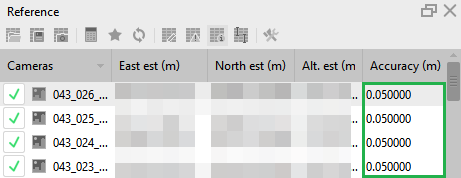
Using only Reference preselection mode without Generic preselection fits best the case when only a few tie points are detected during the image matching stage, it may happen, for example,
for aerial surveys of forested areas or crop fields.
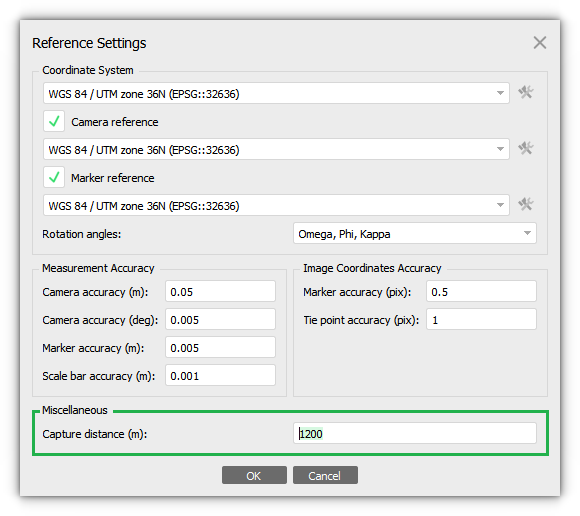
For oblique imagery it is necessary to specify the Capture distance value in the Settings dialog of the Reference pane to make the preselection procedure work efficiently. Click Settings button on the Reference pane and specify Capture distance value:
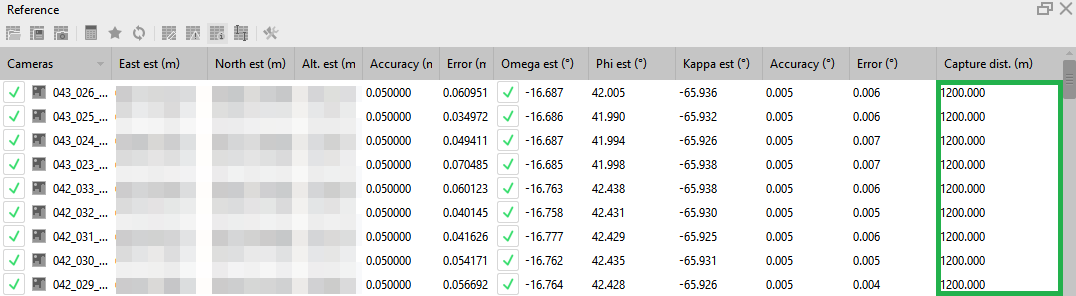
The value will be displayed on the Reference pane in the Capture dist. (m) column:
This value corresponds to the average distance from the camera center to the shooting surface in the direction of the optical axis of the lens.
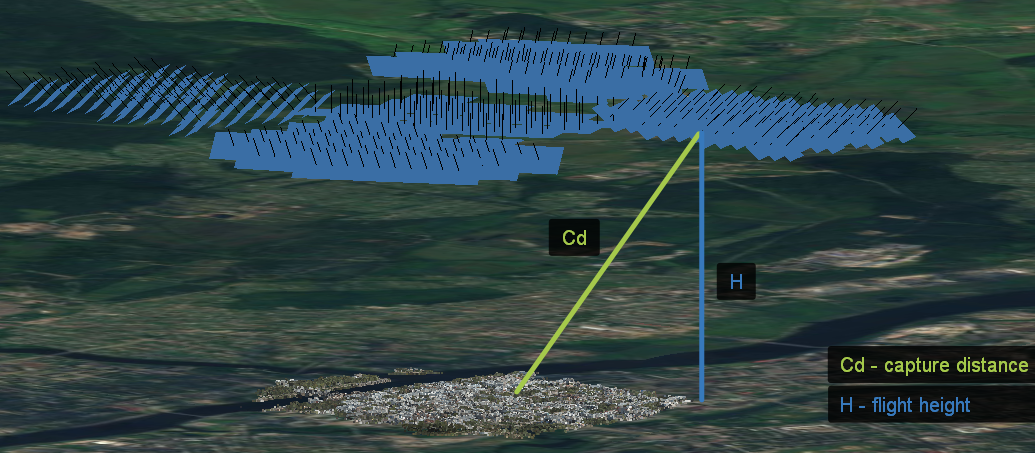
Note that in oblique shooting scenario this value does not coincide with the flight height.
If the cameras have different capture distance values, it is important to specify the corresponding value for each camera separately. To do this, select Set Capture Distance command from the the images context menu on the Reference pane and specify the appropriate value for this camera in meters:
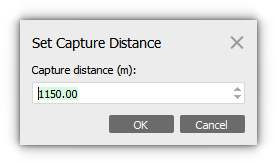
Capture distance information must be accompanied with yaw, pitch, roll/omega, phi, kappa data for cameras. Rotation parameters should be input in the Reference pane. Then the preselection based on the new 3D points calculated as original 3D point and vector in the direction of the camera view with the length equal to the input Capture Distance value.
Sequential Preselection
When using Sequential preselection mode the correspondence between the images is determined according to the sequence of photos (the sequence number of the image) it is worth noting that with this adjustment, the first with the last images in the sequence will also be compared. It can be useful to use when processing data from a video.
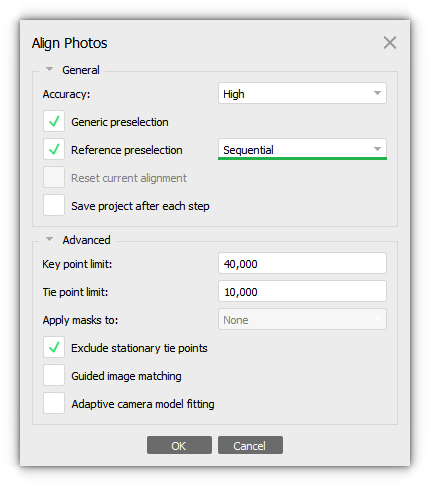
In some underwater case, we can suggest trying to align photos using Reference settings - Sequential. And, after that, align photos using Reference settings - Estimated.

Estimated Preselection
The Estimated preselection mode takes into account the calculated exterior orientation parameters for the aligned cameras. That is, if the alignment operation has been already completed for the project, the estimated camera locations will be considered when the Align Photos procedure is run again with the Estimated preselection selected:
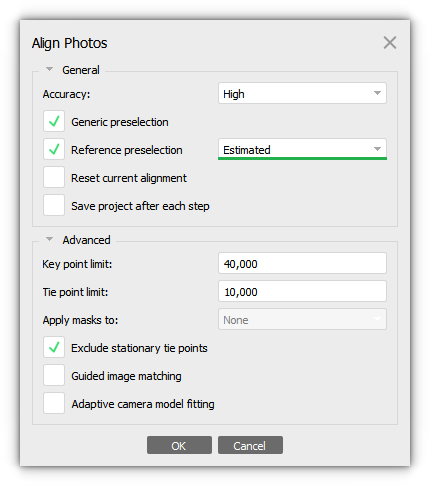
It is mainly used for areal surveying when a large area has been surveyed and the results of image alignment have already been obtained. When it is necessary to re‑align the images at a higher quality, for example, but without increasing the processing time.